Version 0.6
· Private beta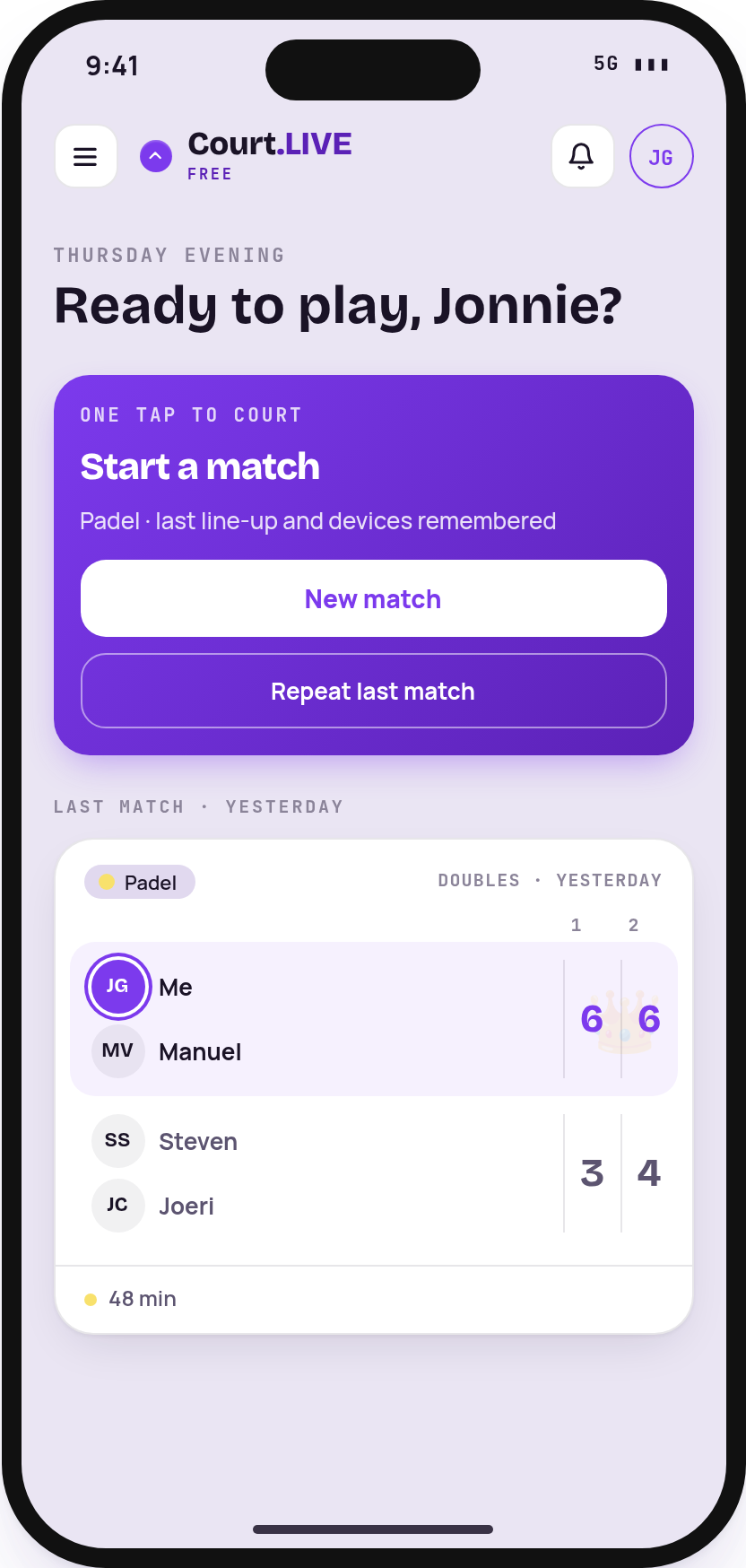
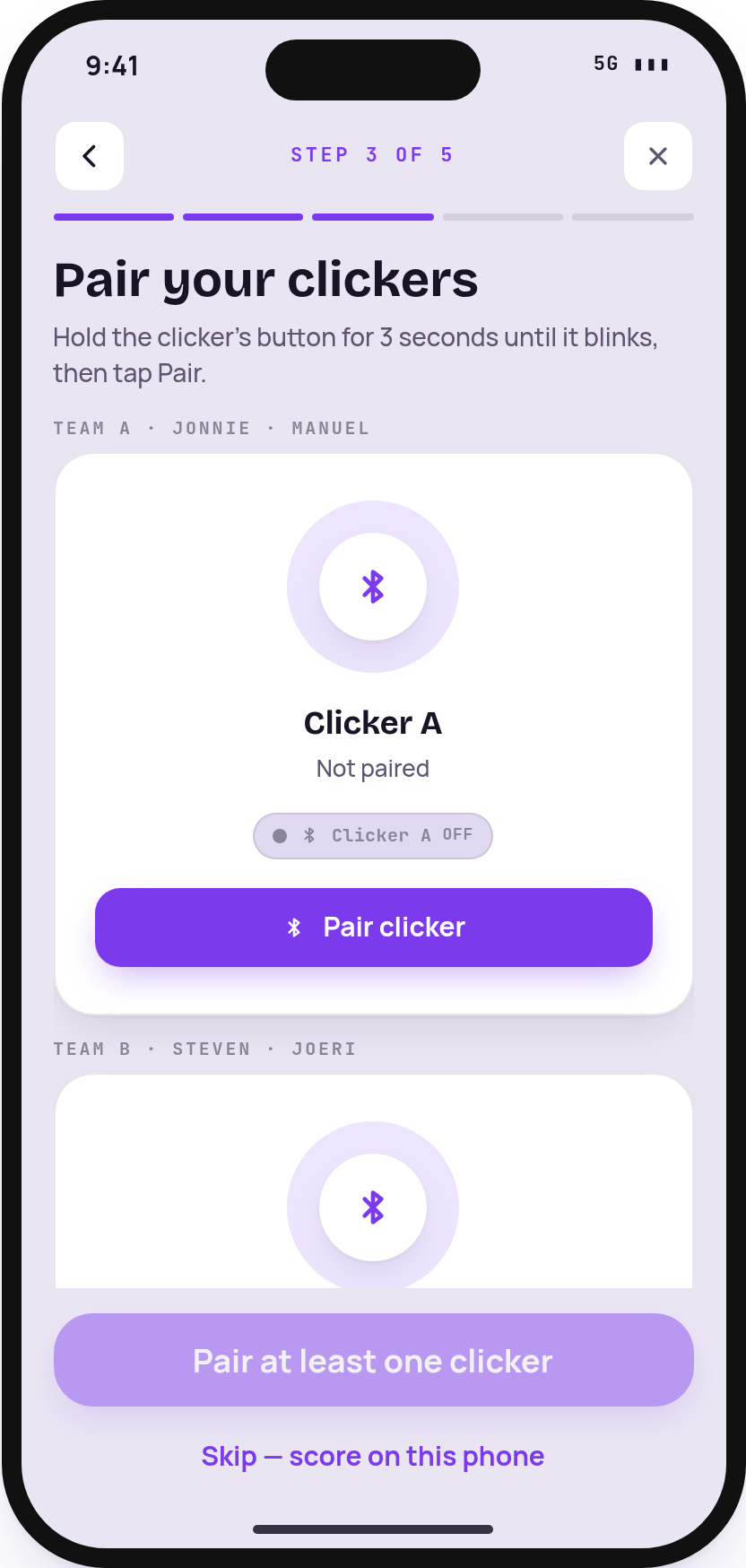
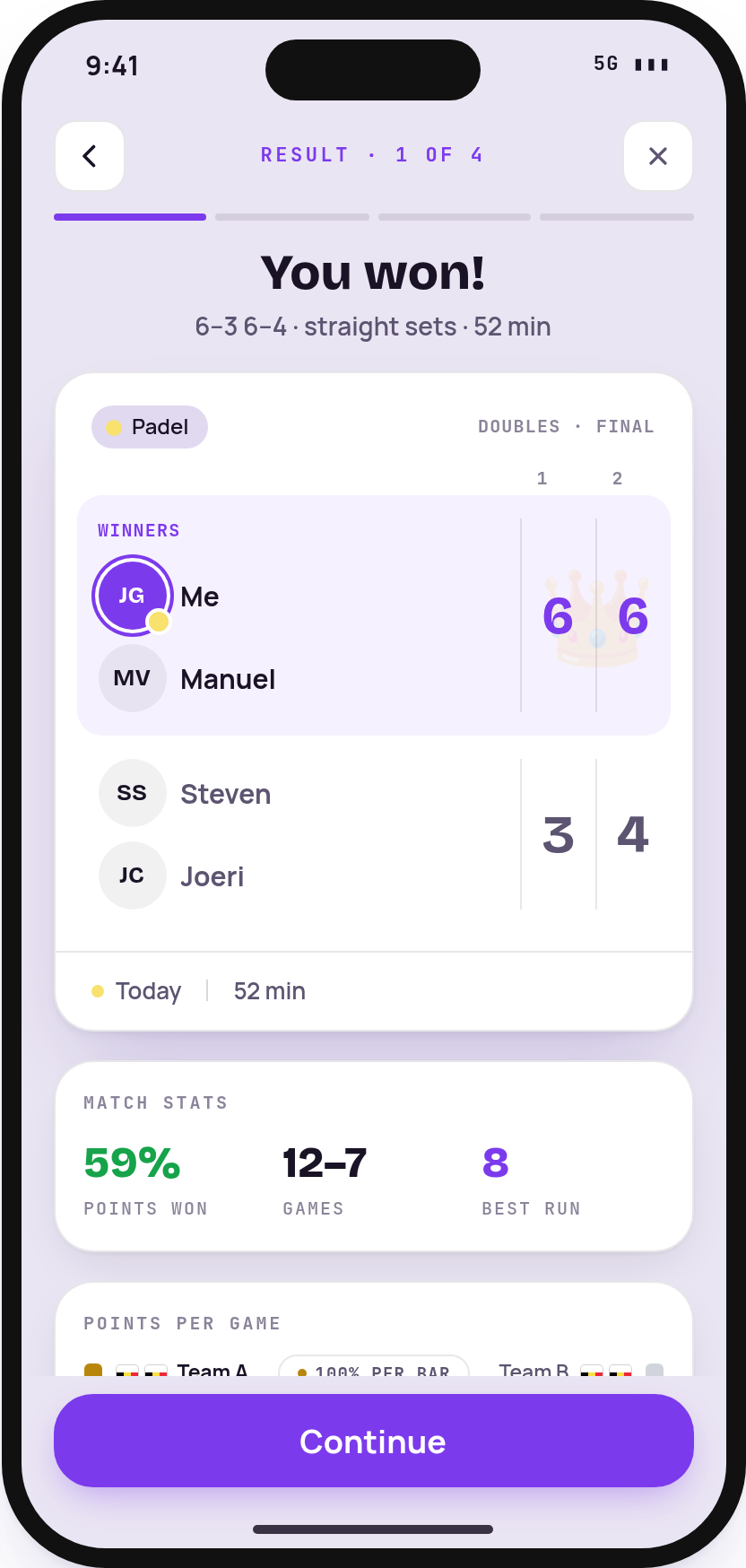
Screens from the 0.6 design, with sample players
Court.LIVE
- A new way to start a match. After you sign in, you land on a start screen with New match and Repeat last match. The same shortcut sits at the top of your feed while no match is live, and the “+” button opens it too.
- Match setup in a few quick steps. Pick the sport, who's playing, your scoring devices, your clickers and the voice, then hold to start. Everything is pre-filled from your last match in that sport, so a repeat game takes seconds.
- Easier line-ups. Recent players appear as chips, you can swap teams with one tap, and you can add a new player without leaving the setup.
- Pair a clicker per team. Pair a new Flic button or reuse one you already have. Its card lights up when you press it, so you know which is which.
- Choose a female or male voice for score callouts, where your iPhone has one available.
- A new end-of-match screen. See the result and stats, invite guests who played with a link or QR code, share to WhatsApp, X or anywhere else, and choose whether to keep the match or discard it.
- The old setup is still there. Prefer the classic screens? Open the menu and choose “Classic match setup”.
- More reliable clicker presses. The app now tells single, double and long presses apart itself, and you can fine-tune the timing in the clicker's settings.
Court.COACH
Nothing new for coaches in this release.
Under the hood
- Every change is tested automatically before it reaches the apps.